An M-PESA statement analyzer reads a statement PDF that you upload. An on-device tracker reads your M-PESA messages on your phone. An analyzer is handy for a one-off look at past months, especially if your messages are gone. A tracker keeps itself up to date. The difference that matters most for your privacy is where your statement or messages are processed: in your browser, on a company's server, or on your phone.
How M-PESA statement analyzers work
- You request your statement in the M-PESA App or with *334#. Safaricom emails it as a PDF and sends the password to open it by SMS. (Step by step: how to get your M-PESA statement.)
- You upload the PDF to the analyzer's website or app, and some tools also ask for the password.
- The tool reads every transaction in the statement and shows charts: money in and out, top recipients, fees and loans.
Some analyzers do all of this inside your browser, so the file never leaves your device. Others send the file to their own server to read it. The result can look the same either way, so you have to check.
How on-device tracking works
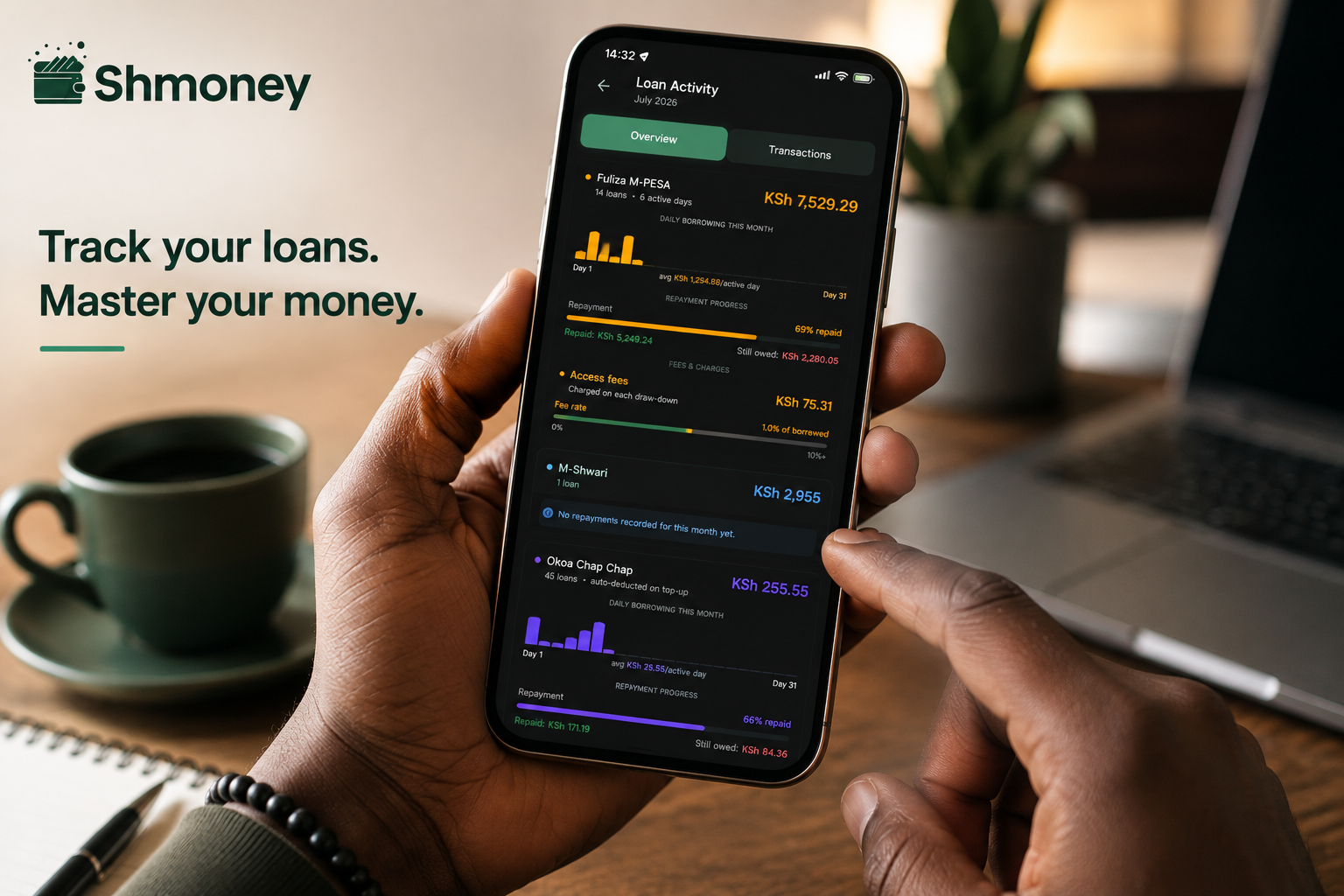
An on-device tracker is a phone app that, with your permission, reads the M-PESA confirmation messages already in your inbox and each new one as it arrives. It pulls out the amount, the date, the type of transaction, the fee and who it was with, and sorts each one into a category. Because it reads new messages as they come in, it stays up to date without you requesting another statement.
Statement analyzer vs on-device tracker: side by side
| Statement analyzer | On-device tracker | |
|---|---|---|
| What it reads | A statement PDF you upload | M-PESA messages on your phone |
| Time it covers | The period you request, up to 2 years back from the M-PESA App or *334# | The messages still on your phone, then everything from now on |
| Stays up to date | No: a snapshot until you request a new statement | Yes: each new message is added automatically |
| Where it's processed | In your browser or on the company's server, depending on the tool | On your phone, if the app is built that way |
| What you hand over | Your whole statement, sometimes with its password | Permission to read SMS |
| Works on | Any device with a browser | Usually Android only, because iPhones don't let apps read SMS |
| Best for | A one-off look back, or when your messages are gone | Seeing where your money goes, month after month |
What's in your M-PESA statement, and why it matters who sees it
A full statement can show every transaction for up to two years: amounts, dates and balances, the names of people you sent money to and received money from, the tills and paybills you paid, and your Fuliza and M-Shwari activity. That is a detailed picture of your income, your habits and your relationships, and it includes personal details of other people, not just you.
That doesn't mean you should never share it. Lenders, landlords and courts sometimes ask for it. It means you should know who gets the file, what they do with it, and how long they keep it. In Kenya, organisations that handle personal data have duties under the Data Protection Act, 2019, including telling you what they collect and why.
7 questions to ask before uploading your statement anywhere
- Is the file read in my browser or sent to a server? A good tool says so plainly.
- If it goes to a server, when is it deleted? Look for a specific answer, such as "immediately after processing", not "may be retained".
- Does it ask for the PDF password, and is the password kept?
- Do I need an account? An account linked to your phone number or email makes your financial data identifiable.
- Who runs it? Look for a company name, contact details and a privacy policy that names the tool.
- Is my data shared or sold? Check whether it goes to lenders, advertisers or other "partners".
- Can I ask for my data to be deleted? Under the Data Protection Act you can ask, and the tool should tell you how.
If a tool can't answer these clearly, don't upload a statement to it.
When a statement analyzer is the right tool
- Your messages are gone. New phone, a cleared inbox, or a line you didn't track before. A statement fills that gap and an SMS-based tracker can't.
- You need a period before you started tracking. For example, a full year of spending for a loan application or a family budget review.
- You only want a one-off look. If you don't plan to track every month, a single statement is enough.
For everyday tracking, an on-device tracker is less work: no statement to request, no password to type, and every new transaction is added automatically. Other ways to track are compared in how to track M-PESA spending: 4 ways compared.
How Shmoney handles your data
Shmoney is an on-device tracker for Android. In plain terms, from the Shmoney privacy policy:
- Your messages stay on your phone. Shmoney reads your M-PESA and bank transaction messages on your phone. The text of your messages and your transaction history are not uploaded to Shmoney's servers.
- What the servers hold: your account (name, email and Google profile photo link from Google sign-in), your plan and payments, and the technical data needed to run the service.
- Shmoney AI is optional. If you ask it a question, your phone prepares the figures needed to answer and sends them with your question through Shmoney's servers to Google's Gemini. Names of people and businesses, phone numbers, till, paybill and account numbers, reference codes and the text of your messages are never sent. Shmoney's servers don't store your questions or the answers.
- No statement upload. Shmoney doesn't ask for your statement PDF or its password. It can create a statement as a PDF on your phone, which is only shared if you choose to share it.
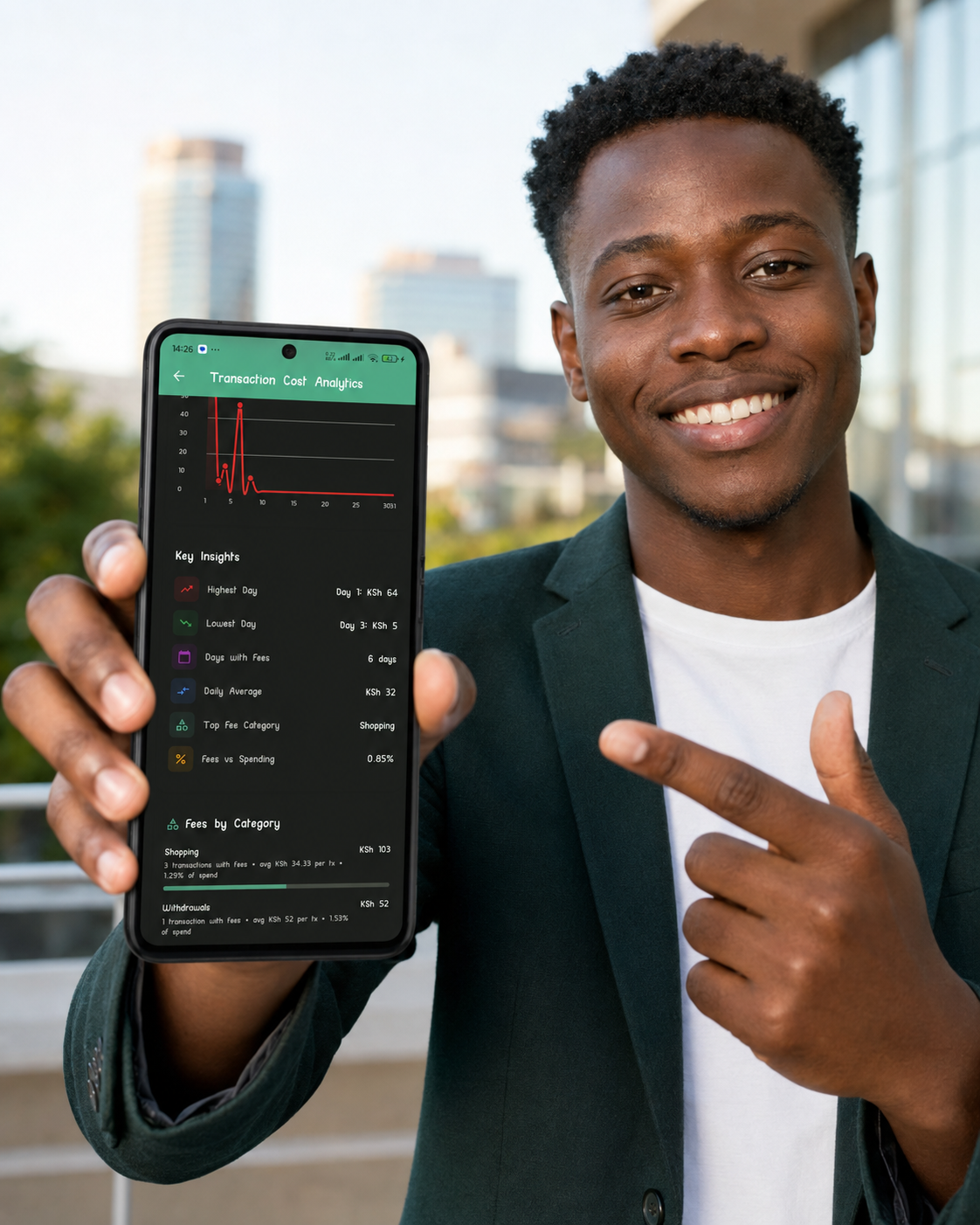
Shmoney is free to download, with basic tracking free. Shmoney Premium adds fee and Fuliza analytics, budgets and detailed breakdowns, and new accounts get 7 days of Premium free. See how it compares with other apps in the best expense tracking apps in Kenya.
Frequently Asked Questions
Is it safe to upload my M-PESA statement online?
It depends on the tool. It is safer when the statement is read in your browser and never leaves your device, or when the company says clearly that it deletes the file straight after processing and doesn't share it. If you can't find out where the file goes, don't upload it.
What is the password for my M-PESA statement?
When you request a statement through the M-PESA App or *334#, Safaricom sends the code to open it by SMS to your M-PESA number. Treat it like a PIN for that file and only share it with people you would give the statement to.
Can an app read my M-PESA statement without uploading it?
Yes. Some web tools read the PDF inside your browser, so the file stays on your device. Phone apps can also read statements locally. Check the tool's privacy policy to be sure.
Can Shmoney read my M-PESA statement PDF?
No. Shmoney reads your M-PESA messages on your phone instead, so you don't need to request a statement or share its password. It can create its own statement as a PDF on your phone.
Why do iPhone users have to use statements?
iPhones don't let apps read your SMS inbox, so SMS-based trackers only work on Android. On an iPhone, a statement is the main way to analyse past M-PESA transactions.